An account Admin now has the option to default a location on a Patient Agreement (PA) Creation using the Clinic IP Address for users in their account.
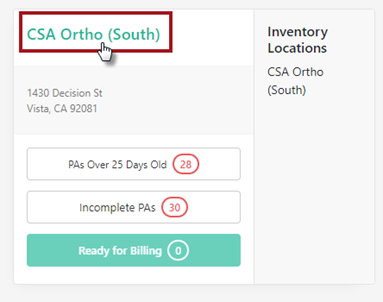
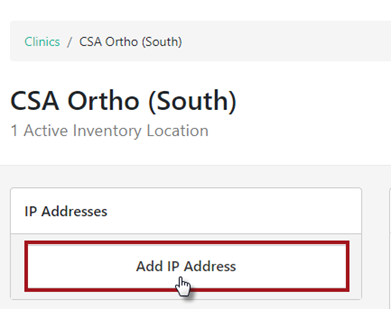
Add IP Address to Clinic(s): Click on the Clinic Name and the Add IP Address button
A pop-up box will appear to include the IP Address and Save Changes
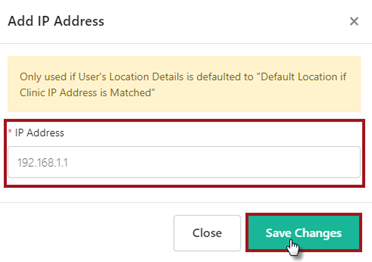
If there are multiple clinics, repeat this step to add the unique IP Address to each clinic.
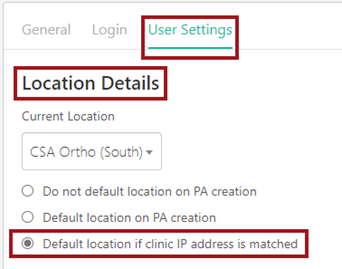
Link IP Address to User Profiles: In User Settings tab within the user’s profile, select Default location if clinic IP address is matched and Save Changes.
PLEASE NOTE: The Current Location will NOT need to be selected.
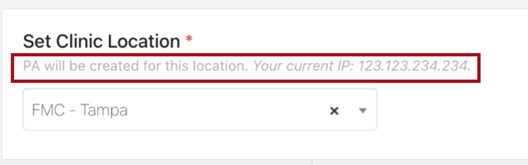
Once set, when creating a NEW Patient Agreement, a message will display indicating the PA is being created for the selected location along with the current IP address.
**PRINTABLE PDF AVAILABLE**