A user with the Admin Role can deactivate an active user in a MotionMD Direct account. Follow the steps below on how to Deactivate a User.
In the main navigation bar under the Admin tab select Users from the drop-down menu.

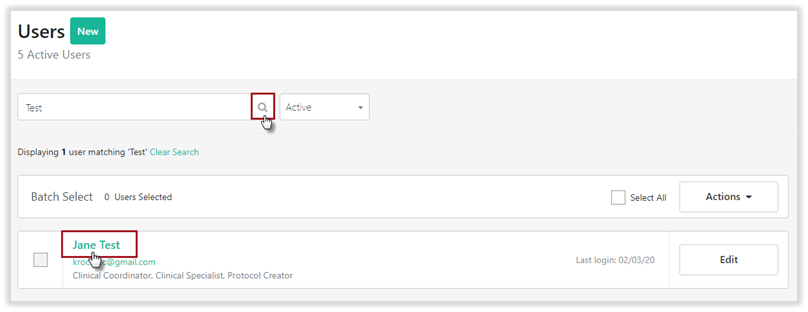
Use the search box to locate the user by typing in the user’s name or email address. Once the user is located, Select View User.
Select Deactivate User.

Once a user profile has been Deactivated, the user can no longer log in to access MotionMD and the status updates to Inactive.

**PRINTABLE PDF AVAILABLE**