A manual restock order may be generated to increase On Hand counts without adjusting Par Levels. Follow the steps below on how to genreate a Manual Restock.
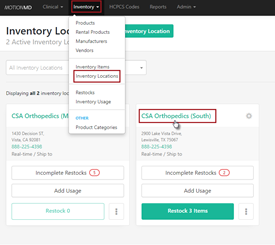
Go to Inventory > Inventory Locations > Select a Inventory Location to place the Manual Order
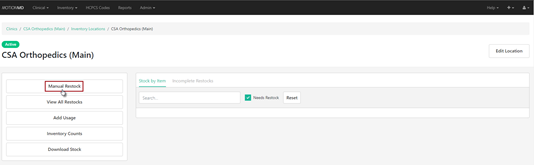
Under the Inventory Location page > Go to the Actions Box > Select Manual Restock
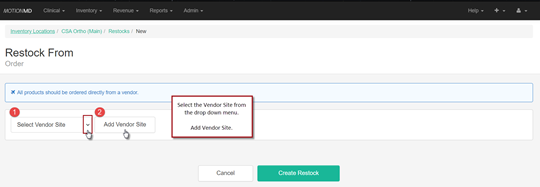
Once on the Manual Restock Form > Select Vendor Site > Add Vendor Site
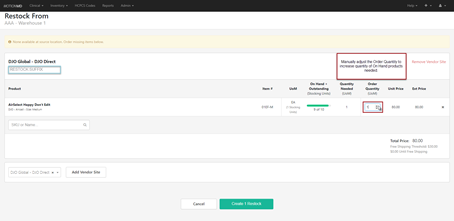
Add products to place on Manual Restock by searching SKU or Name. A custom Restock Suffix can be added to help keep track of restock orders.
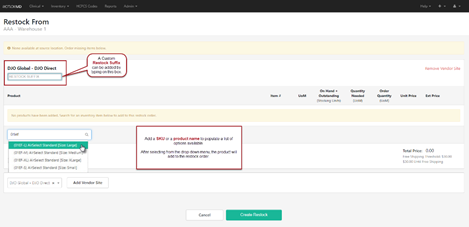
After a product has been added the Order Quantity can be adjusted. Repeat the same process for each additional product that need to be added. Once all products are added and the order is ready to be generated > Select Create Restock:
On the next screen, the PO number will appear with the custom Suffix if assigned one. In this example, the suffix utilized was TEST. To complete and submit the Restock Order select Place Order.
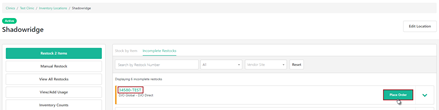
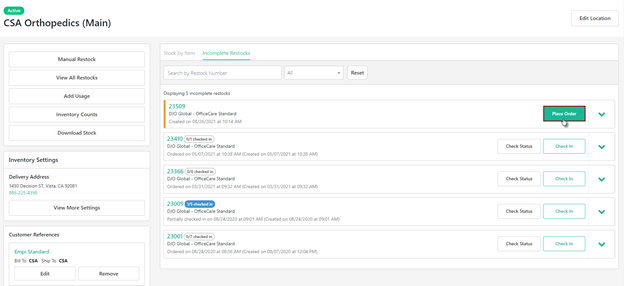
After the restock is created, the final step is to Place Order
***PRINTABLE PDF ATTACHED***