New functionality has been added to improve the ability to generate restocks in accounts ordering from multiple vendors. The update allows the selection of the Vendors first so users don’t have to scroll through long list of Vendors and/or cancel out of those not needing a restock generated.
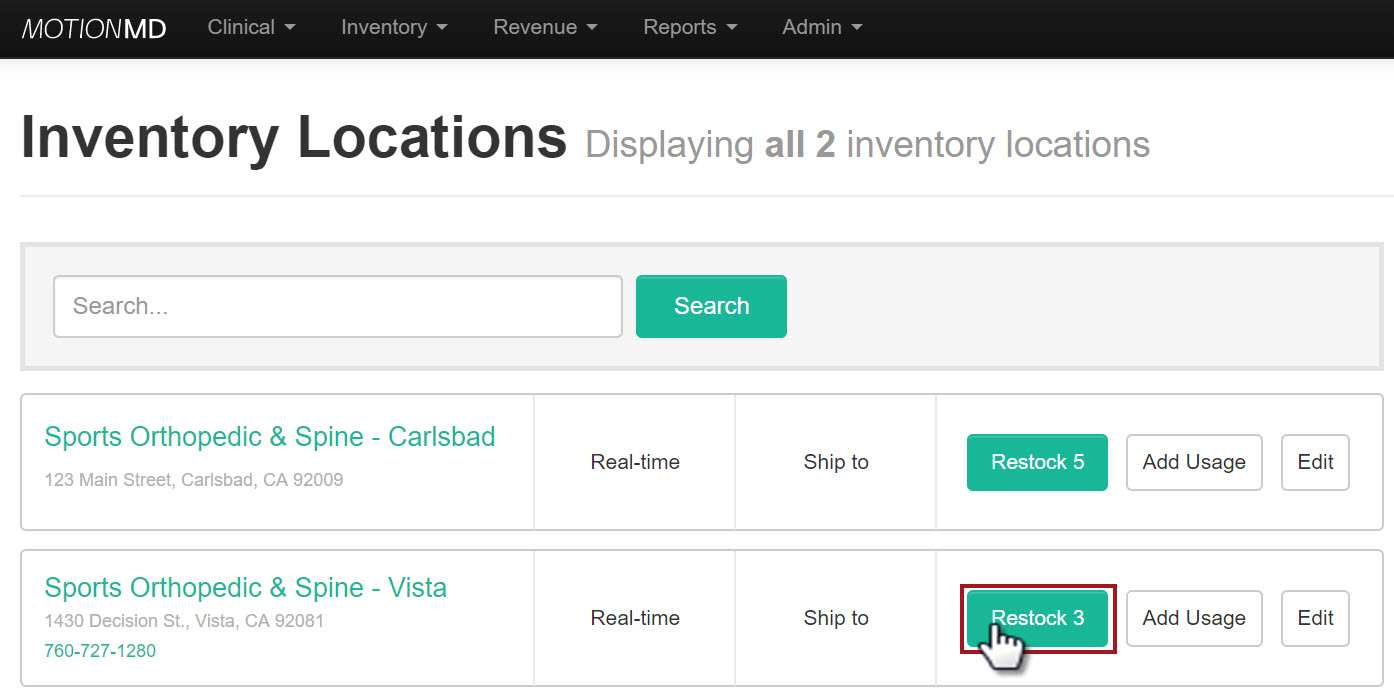
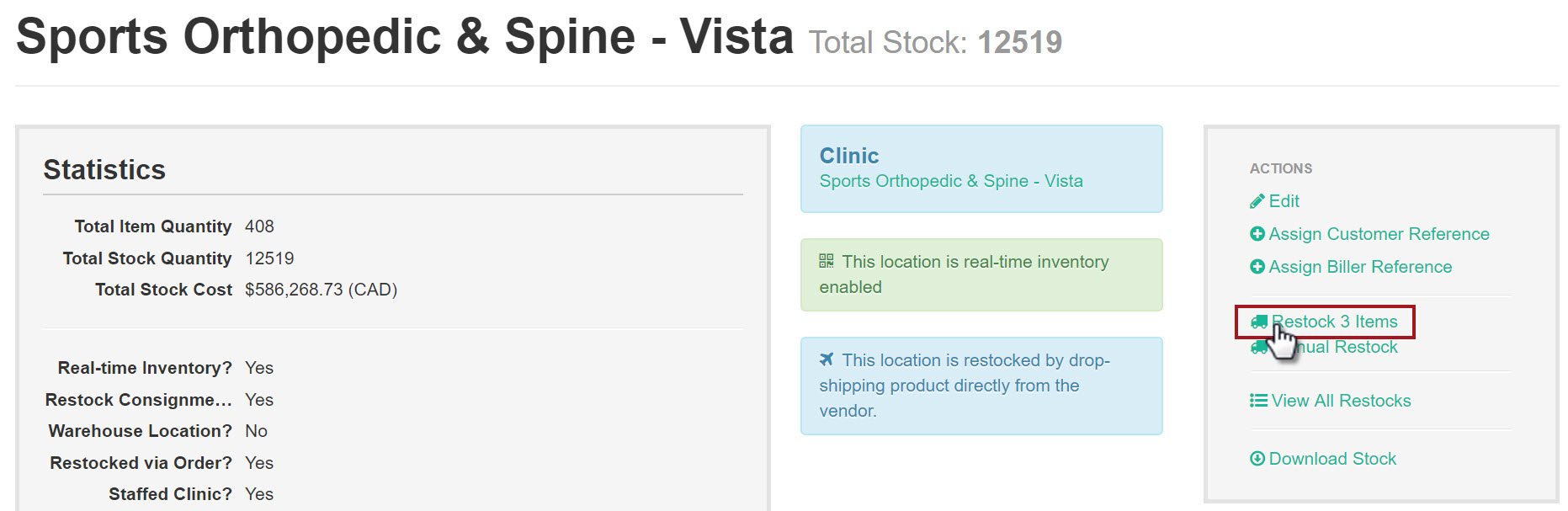
From Inventory Locations list page or within an Inventory Location, click the Restock X Items button or link
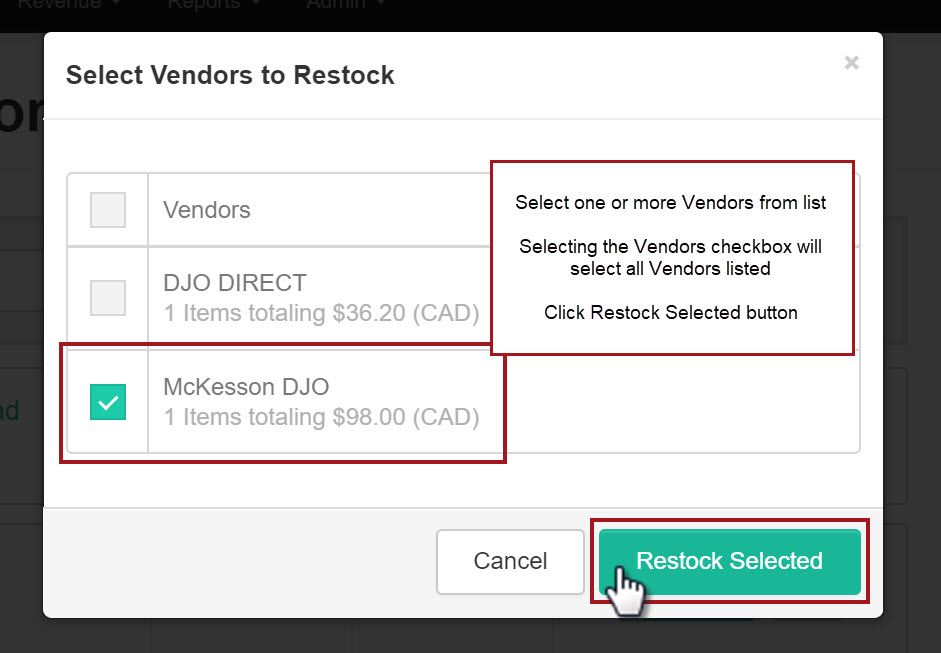
Modal opens listing all Vendors ready for Restock. One or more Vendors can be selected from the list and selecting the Vendors checkbox at the top will select all Vendors listed, click the Restock Selected button
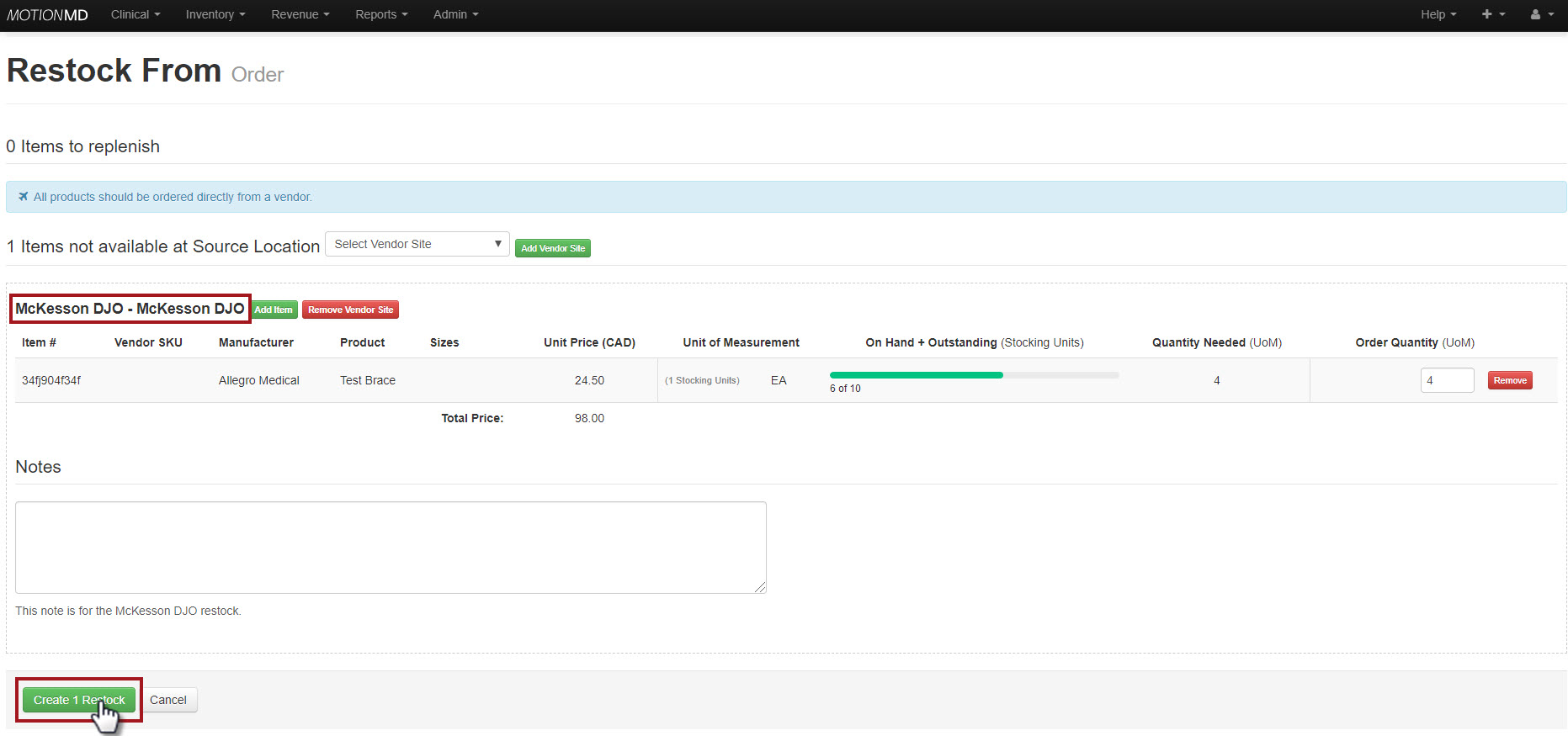
Users are directed to the current Restock page listing for the Vendors selected, click Create X Restock button